Skip to Content

Inper Vista Multi-channel Fiber Photometry System

Multi-channel fiber photometry with an sCMOS camera, Inper Signal acquisition and Inper Plot analysis for synchronized behavior, event markers and signal processing.

Price on request
Invalid email
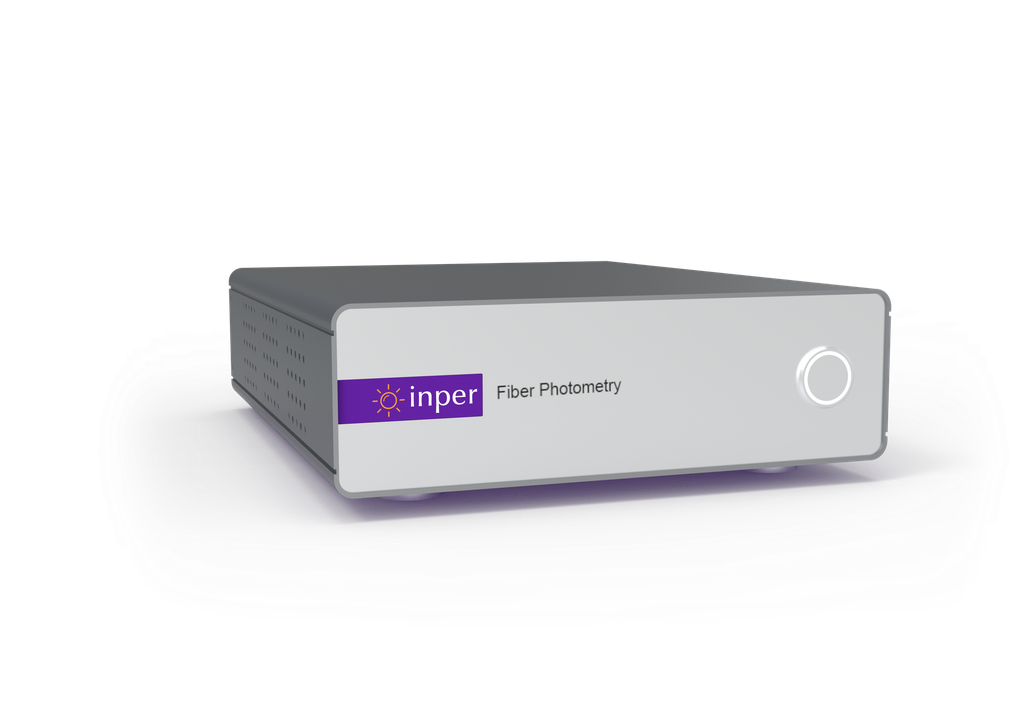
Inper Vista

Multi-channel fiber photometry system

Explore how neural activity relates to behavior in freely moving animals. Align fluorescence changes from calcium and neurotransmitter indicators with behavioral and experimental events, and compare responses across recording sites or experimental conditions to study how neural circuits contribute to behavior.

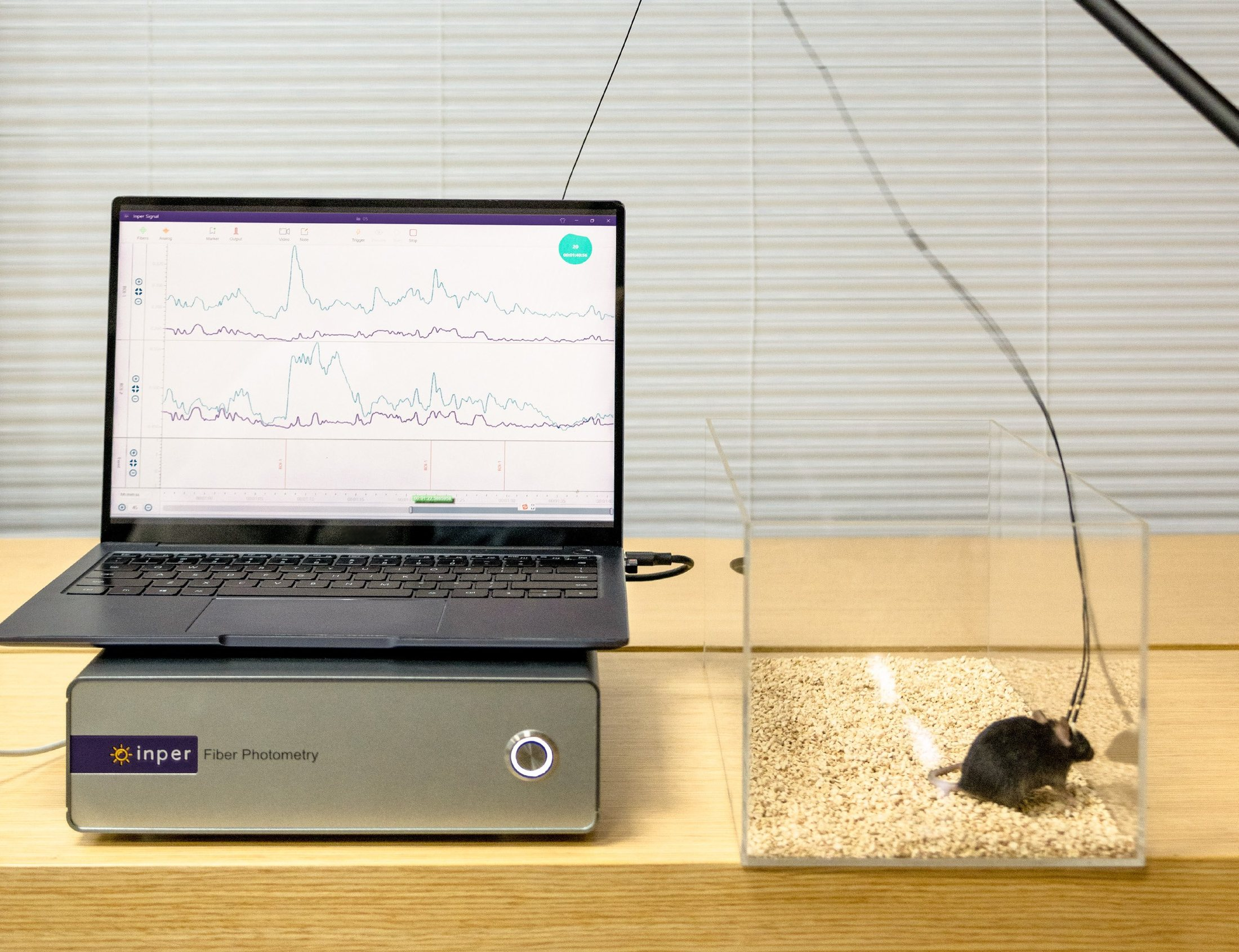
Inper Vista unit, a laptop showing fluorescence traces and a fiber-tethered mouse

System capabilities

From fluorescence to coordinated experiments

sCMOS imaging, multiple excitation wavelengths and synchronized acquisition connect neural signals, behavior and external equipment.

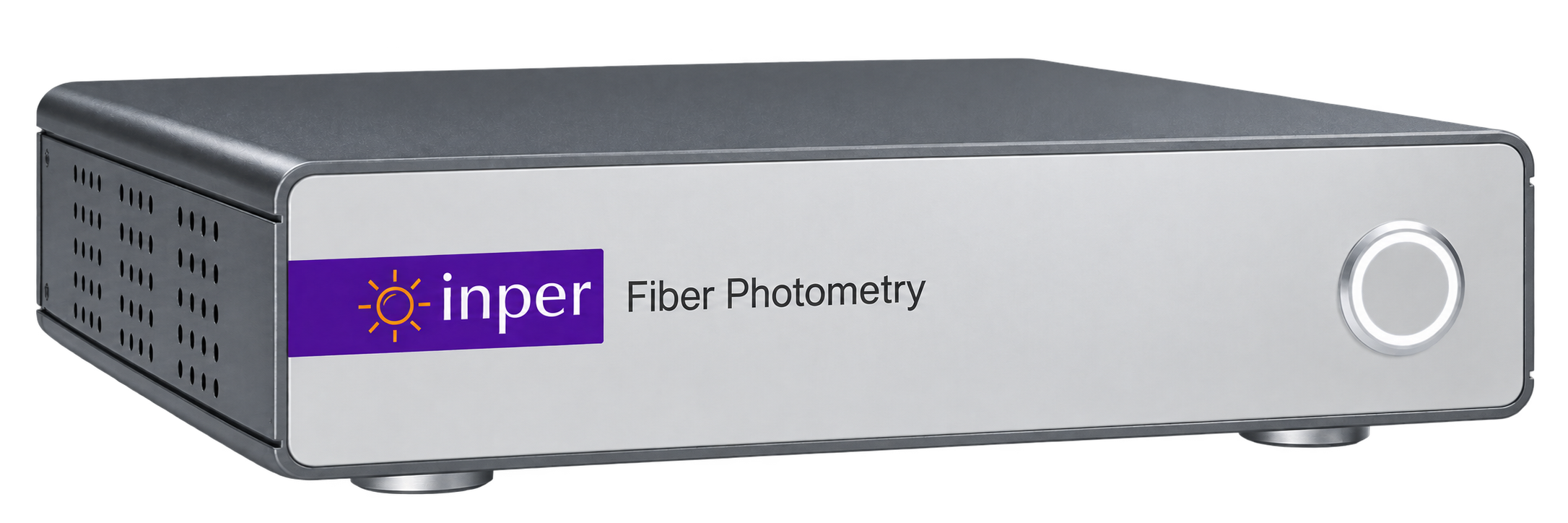
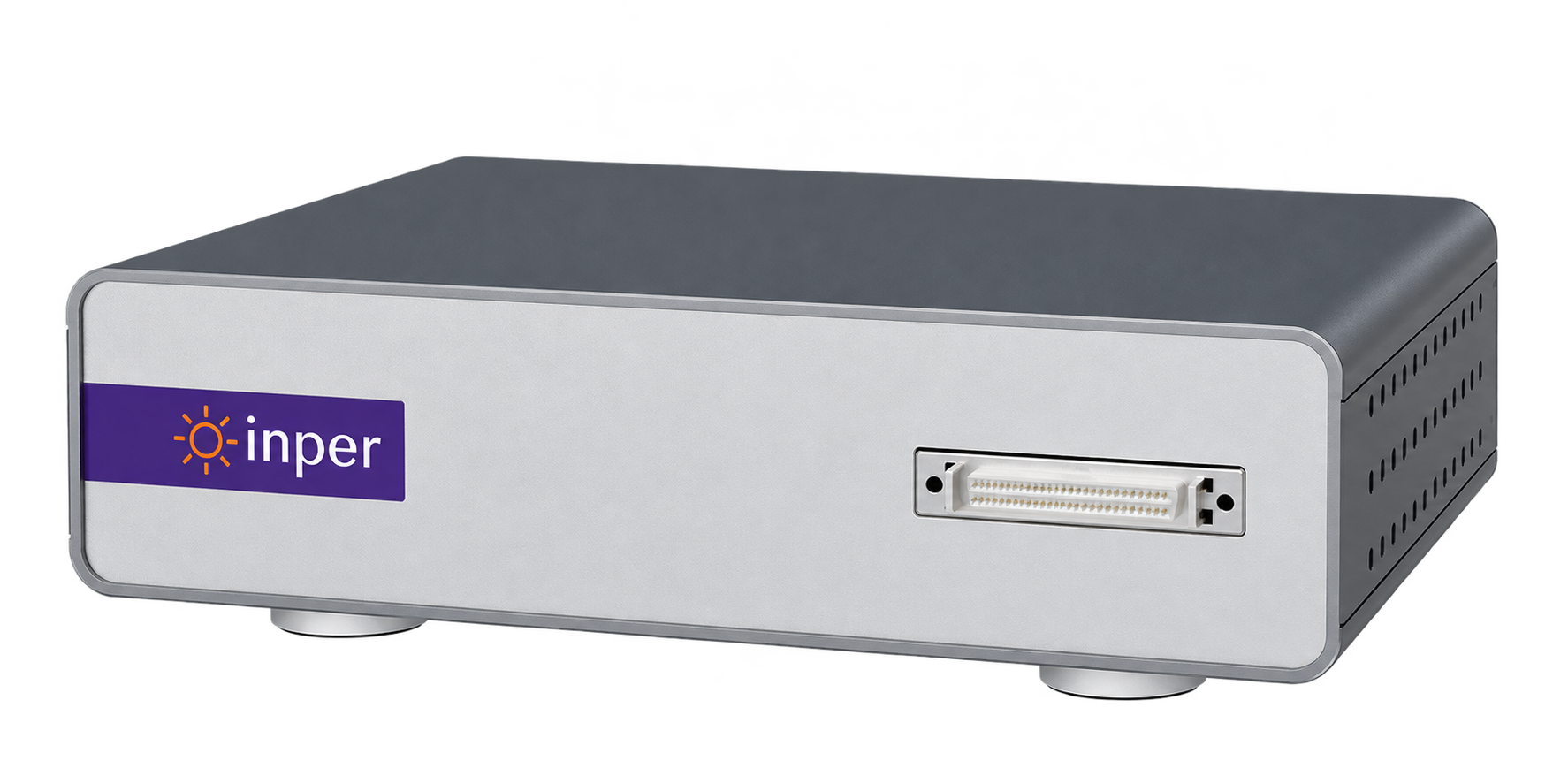
Inper Vista host front

sCMOS acquisition

A sensitive camera captures fluorescence at up to 300 fps for standard models and 500 fps for Vista 320 P.

Multiple excitation wavelengths

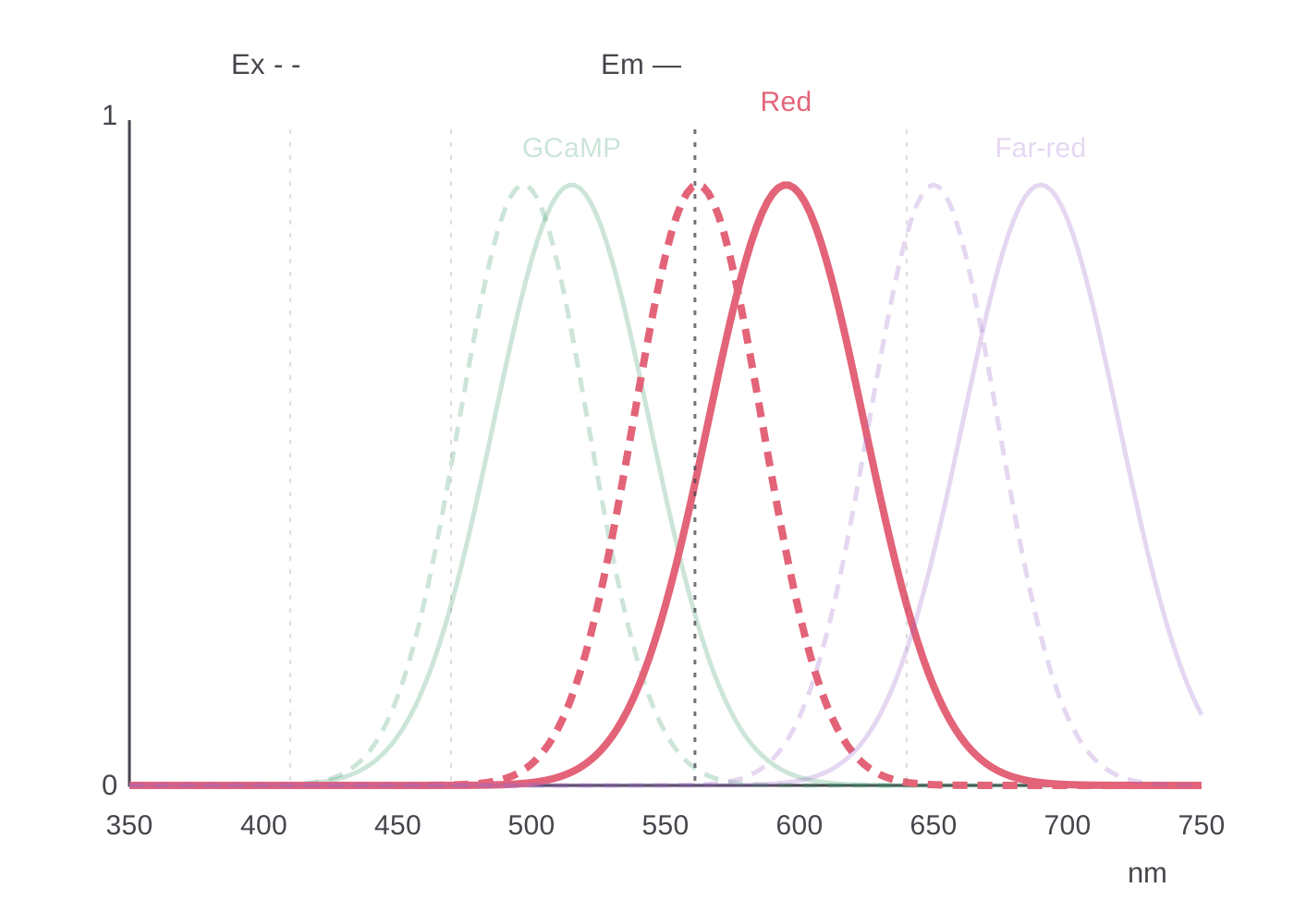
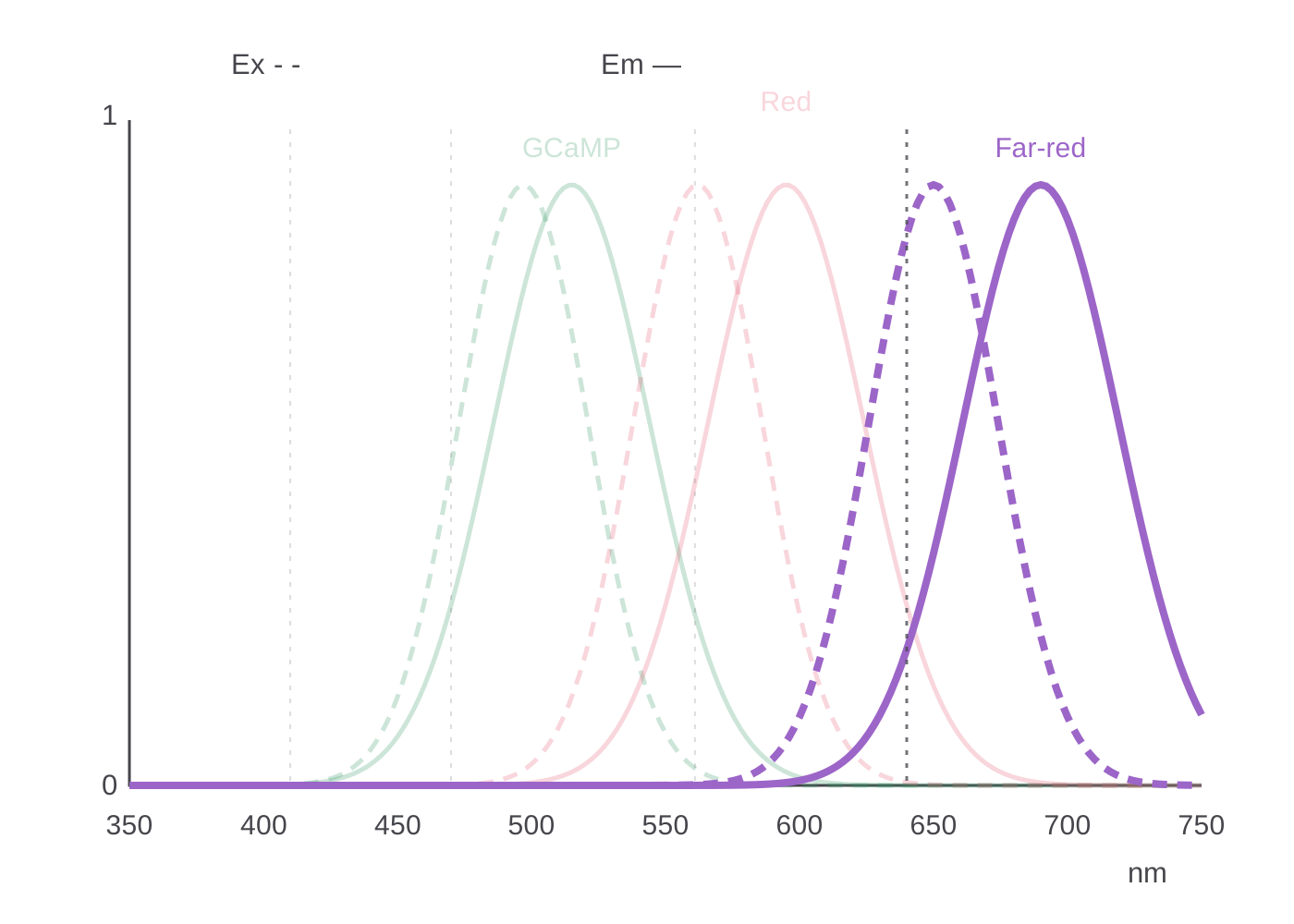
Model-specific combinations of 410, 470, 561 and 640 nm excitation support green, red and compatible far-red sensors.

Multiple recording sites

Automatically detect fiber end faces, then adjust, add or remove ROIs. Standard configurations provide 9 channels, A models 4, with custom expansion available.

8 digital I/O lines

Configure each line independently as input or output to exchange TTL event signals with external equipment.

Synchronized analog expansion

With the ADC expansion box, acquire 8 analog signals synchronously at up to 30 kHz per channel.

Synchronized behavior video

Record from multiple cameras together. AI tracking saves animal trajectories, with spatial events available for Marker and TTL responses.

Live processing and quality review

Apply smoothing, filtering, offset subtraction, linear-fit subtraction and ΔF/F during acquisition to review signal quality.

Recording to fit the experiment

Record continuously or in intervals. Configure start and stop independently for immediate, delayed, scheduled or external triggering.

Same-site recording and stimulation

Alternate fluorescence excitation and optogenetic stimulation to connect recording with intervention. Compatible combinations depend on the model and sensor.

How it works

From fluorescence changes to neural activity

Fluorescent sensors turn neural activity into light, and the fiber carries it back to the unit.

Sensor expression and fiber cannula implant

Label and implant

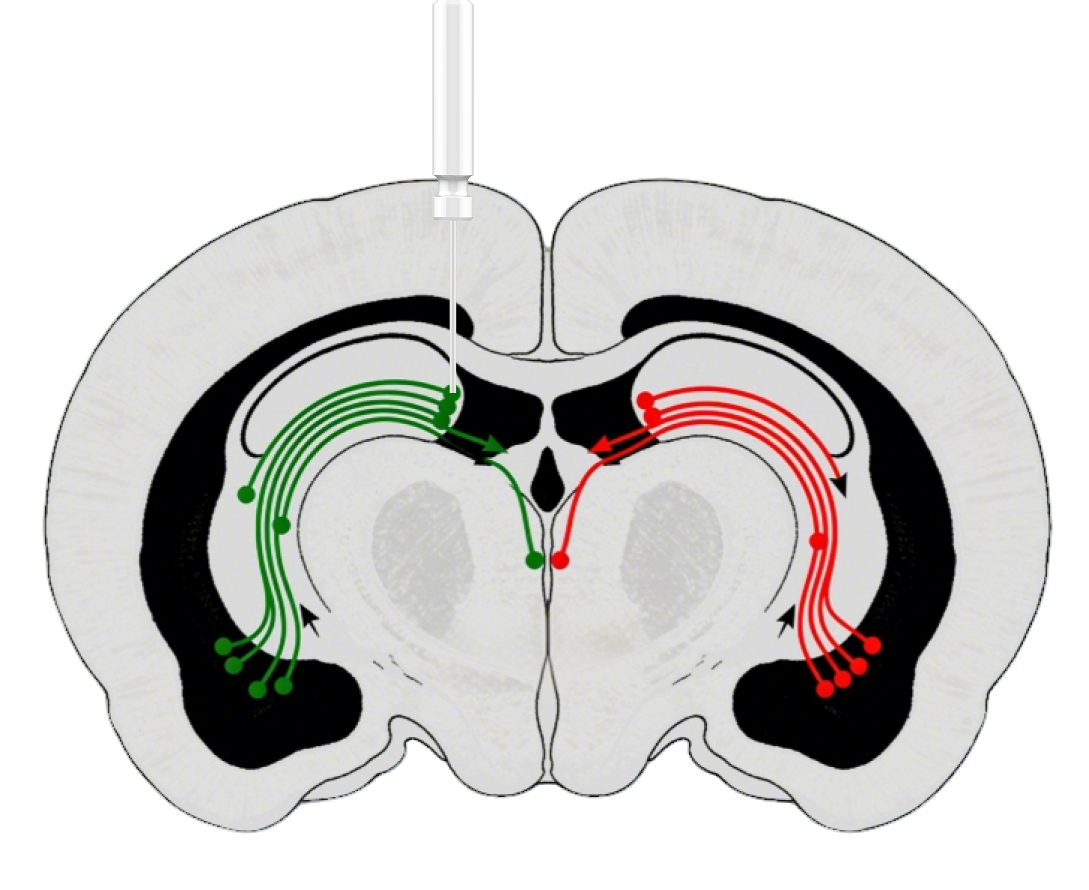
Express a calcium indicator (such as GCaMPs or RCaMPs) or a neurotransmitter sensor in the target region and implant a fiber cannula. Neural activity changes the local fluorescence intensity.

Excitation and fluorescence light path

Excite and collect

The unit delivers excitation at the selected wavelengths through the fiber;

returning fluorescence is separated by filters and recorded by the sCMOS camera.

Example ΔF/F trace

Compute ΔF/F

The software subtracts background and computes ΔF/F, the relative change of fluorescence over time, for comparison with behavior and stimulus events. Example trace shown.

Excitation and emission spectra

Optics and sensors

Match the wavelength Read the fluorescence

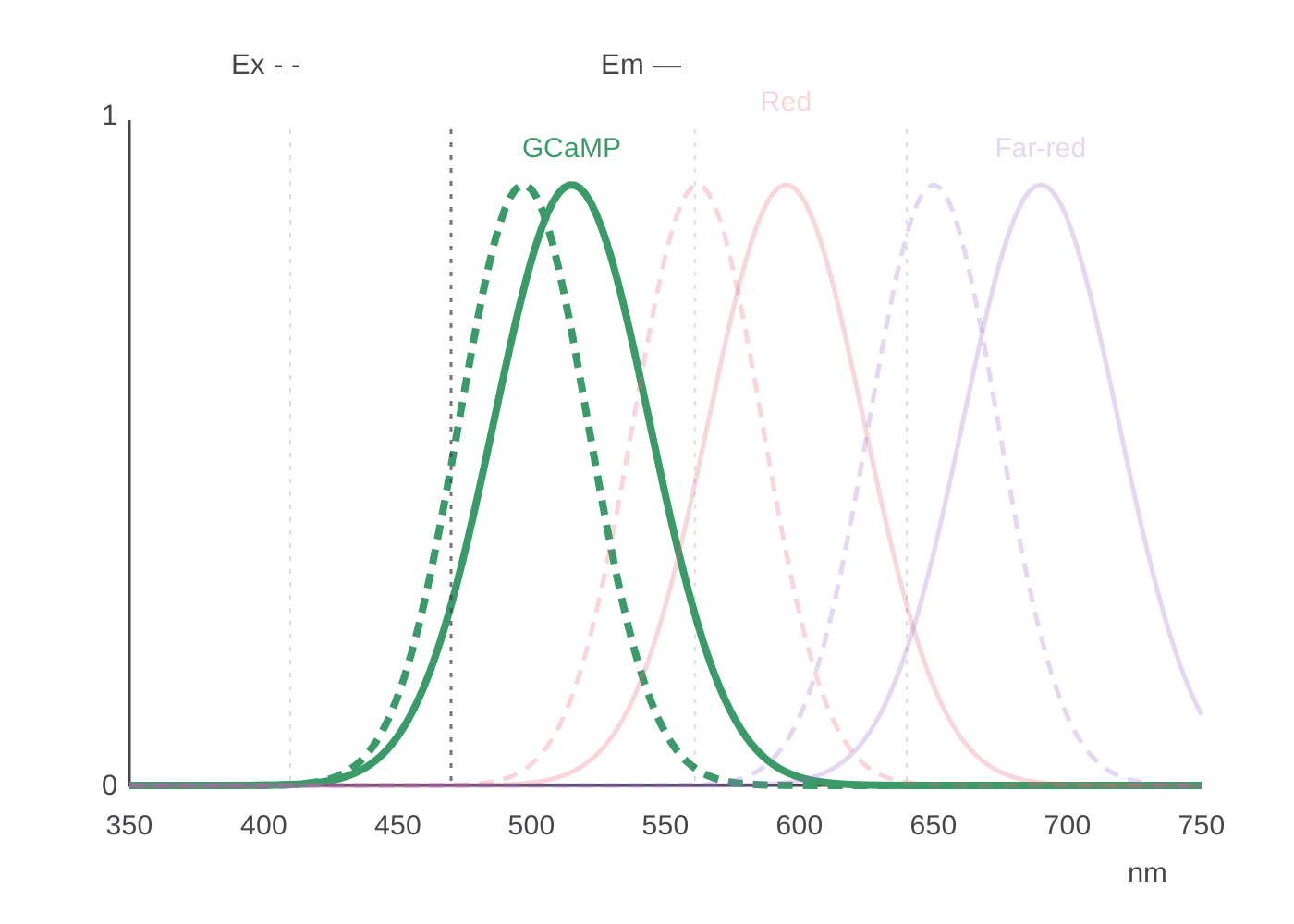
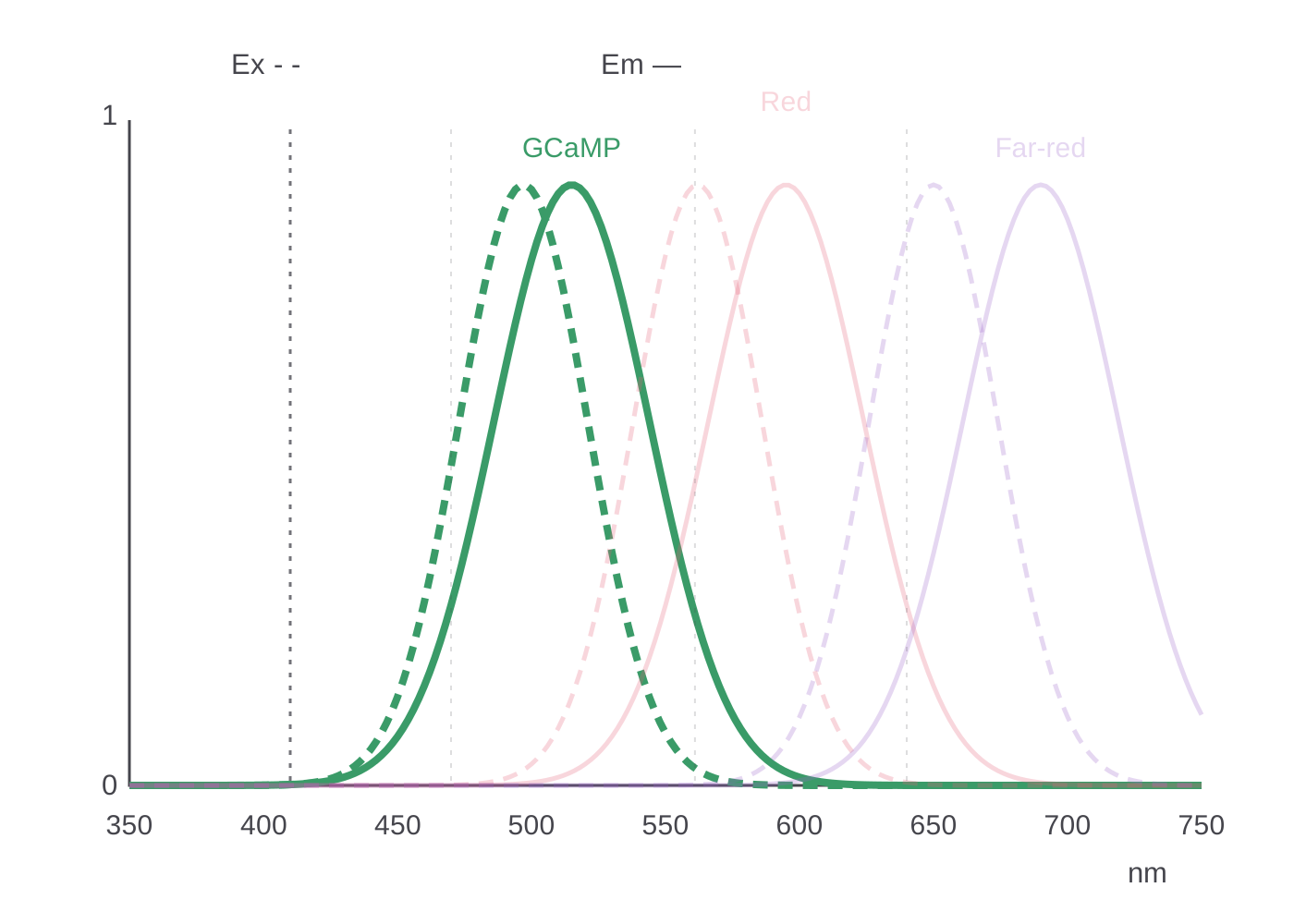
Compare common excitation spectra (Ex, dashed) and emission spectra (Em, solid) in one chart. Select a wavelength to highlight the corresponding curves. Excitation must match the sensor’s excitation spectrum, while the detection band must capture its emission. The curves are normalized spectral illustrations.

Multi-channel recording

Several sites, one acquisition

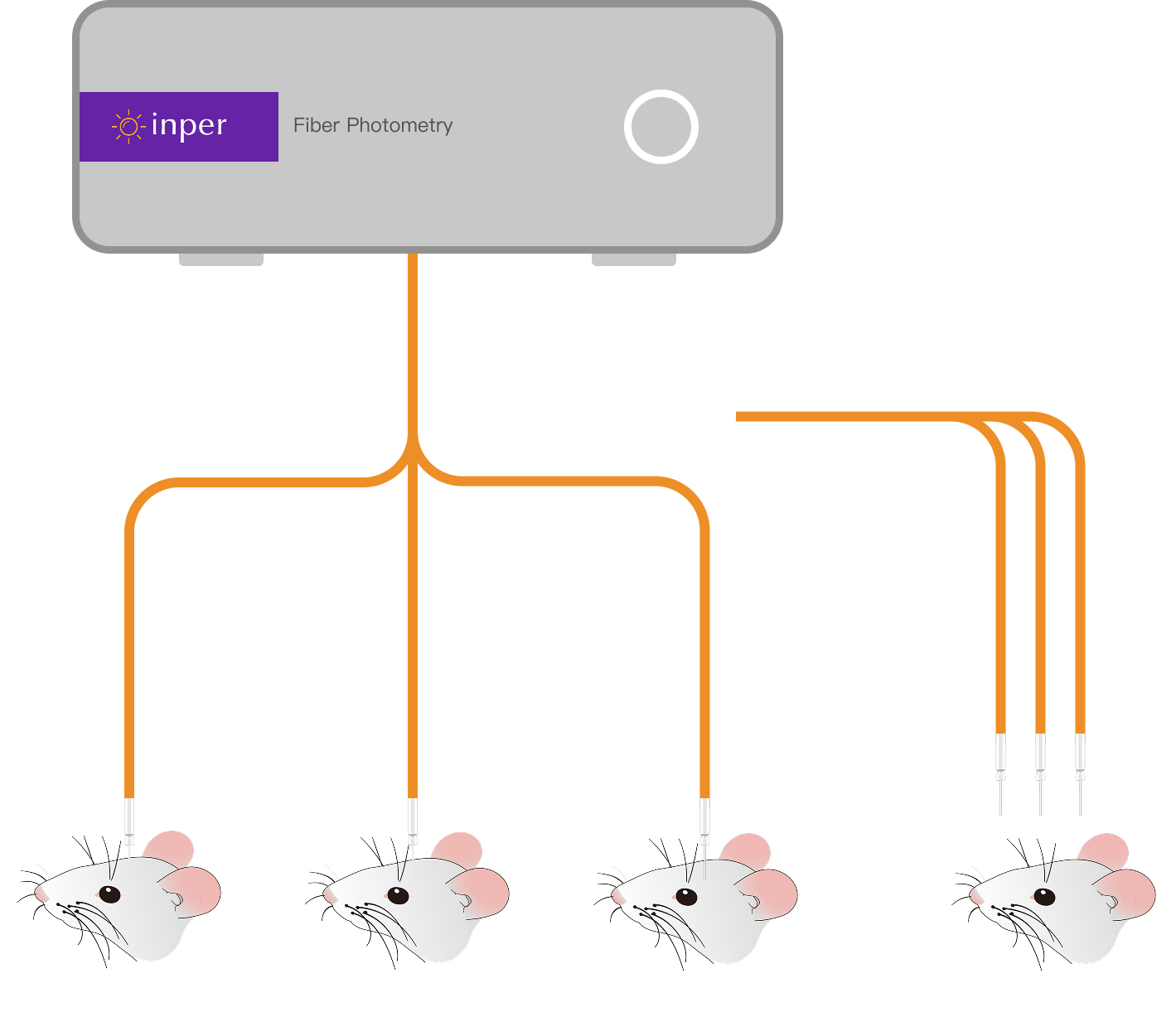
One unit connected to several recording sites

One unit connects several recording sites through multiple fibers and compares their fluorescence in a single acquisition. Channel counts can be expanded on request; the drawing is schematic.

Inper Signal · Acquisition

A clear view of acquisition and processing

Manage acquisition, live processing and start/stop conditions together. Config saves experiment settings; the interface supports English/Chinese and combined or split axes.

Set excitation, exposure, frame rate, gain and recording mode in the sidebar; the toolbar connects Video, Marker, Output and acquisition controls. The example interface shows four ROIs, populated settings and calcium-signal traces on a common time axis.

Inper Signal · Behavior sync

Behavior video and fluorescence, recorded together

Video from several cameras is saved with the fluorescence signal, so the two match on review.

Inper Signal · Event marking

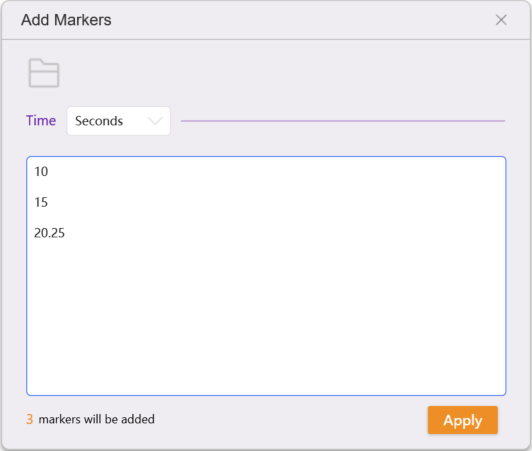
Crossing a threshold, marked automatically

Set a ΔF/F threshold to mark key signals automatically and send TTL output to other equipment. Threshold demo:Signals above the set ΔF/F are marked during acquisition, making periods worth reviewing easy to find. The threshold illustration uses two modest calcium transients with a rapid rise and slower decay. Each crossing is followed by Marker and TTL output; the trace, markers, time axis and scrollbar share the same progression.

Inper Signal · Region events

AI markerless tracking, linked to region events

AI identifies and tracks the animal without an attached position marker. Define target regions in the video and set entry, exit or dwell-time conditions independently to add markers or send TTL output automatically, while saving the movement trajectory. CPP, RTPP, OFT and other experimental settings are supported. View animal location, event times and fluorescence together to organize experiments around specific behavioral states. The demonstration below illustrates how region conditions relate to markers and output.

Automatic Marker

TTL output

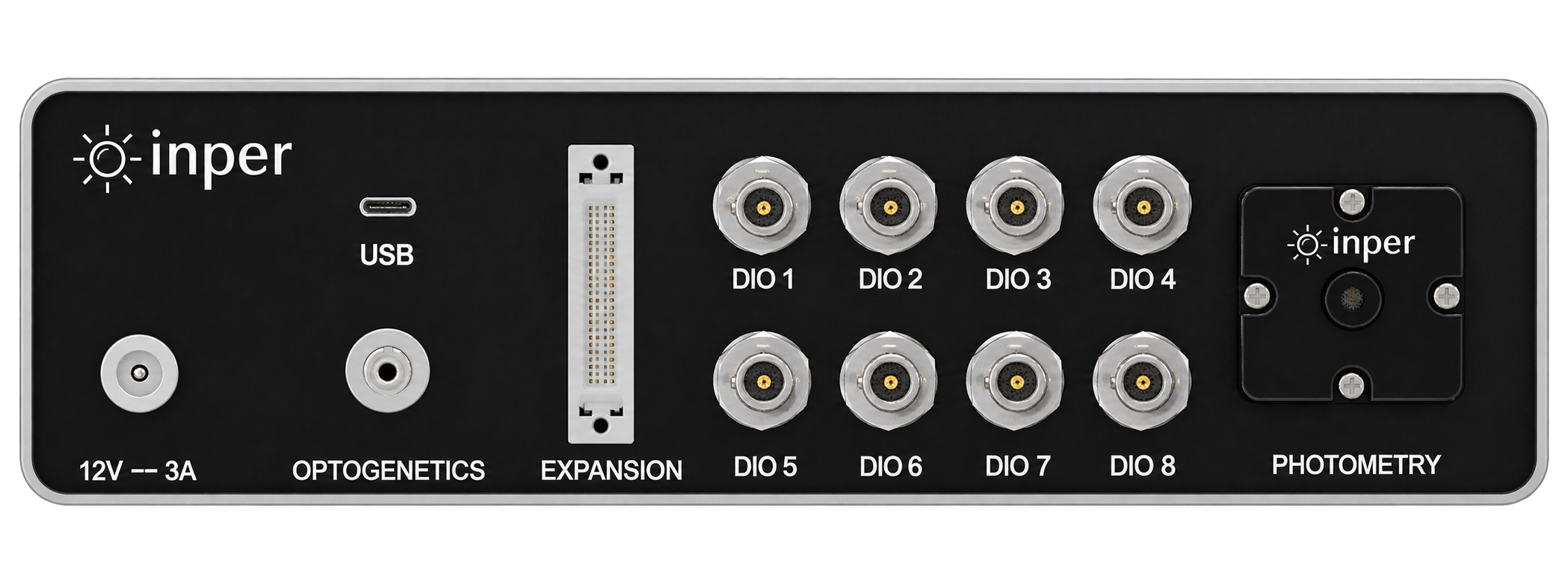
Vista host rear-panel connections

Host connections

Connect the recording to your equipment

Vista brings the connections for acquisition and equipment coordination together on the rear panel. USB connects the host to the computer for instrument communication and data acquisition, digital I/O receives or sends TTL events, and Expansion connects an expansion box for synchronized analog acquisition. Compatible optogenetic equipment can join the recording path through its dedicated connection. The fiber outlet on the right delivers excitation light to the animal through a patch cord and collects returning fluorescence. Select a connection below to see its location and role.

Same-site optogenetics

Interleave stimulation with acquisition to reduce optical interference

Record and stimulate one region, compare responses with behavior, or trigger from signals. Excitation brackets sCMOS exposure; stimulation between acquisitions reduces interference. Schematic timing, without pulse or sampling parameters.

Transparent timing schematic: excitation starts before sCMOS exposure and ends after exposure; stimulation lies between acquisition windows

Extended application

Dynamic blood-oxygen monitoring

Dynamic spectroscopy monitors SpO₂ in freely moving animals and captures rapid changes in blood oxygen. It can be combined with photometry and optogenetics for closed-loop applications. The animated interface example shows two calcium traces and an oxygen monitor’s analog input on a common time axis; traces, time labels and scrollbar move together. These illustrative input values are displayed in V, rather than calibrated oxygen-saturation percentages. Sensor setup, measurement site and calibration depend on the configuration.

Synchronized analog acquisition

Align calcium signals with EEG and ECG

Connect the ADC expansion box to the host to acquire analog outputs from external equipment in synchrony with photometry, including EEG, ECG and other physiological signals. The box provides 8 analog inputs at up to 30 kHz per channel. EEG and ECG enter through compatible sensors or amplifiers; sensing, input ranges and calibration depend on the configuration. The interface illustration places two calcium traces and analog voltages from EEG and ECG amplifiers on separate plots with a common timeline. The traces illustrate the interface.

Inper Plot · Analysis software

From preprocessing to statistics, no coding

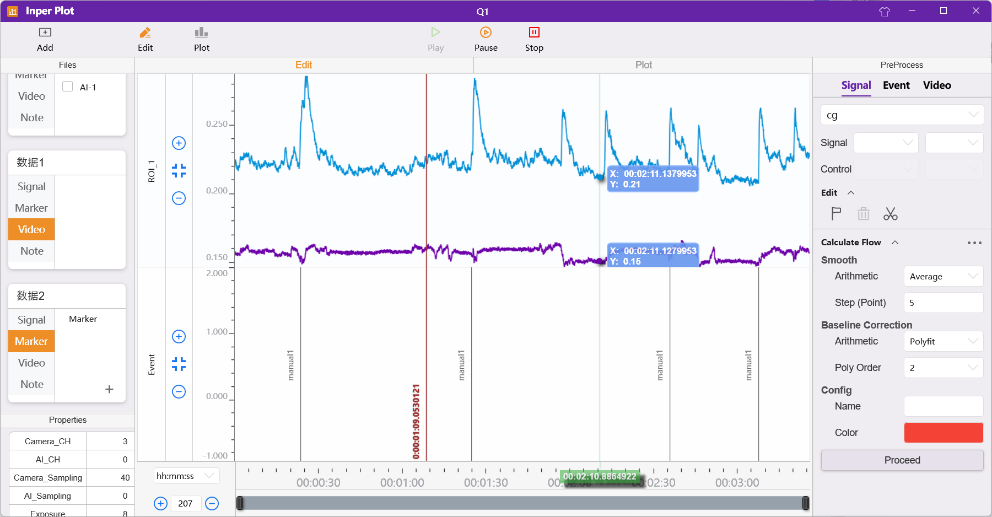
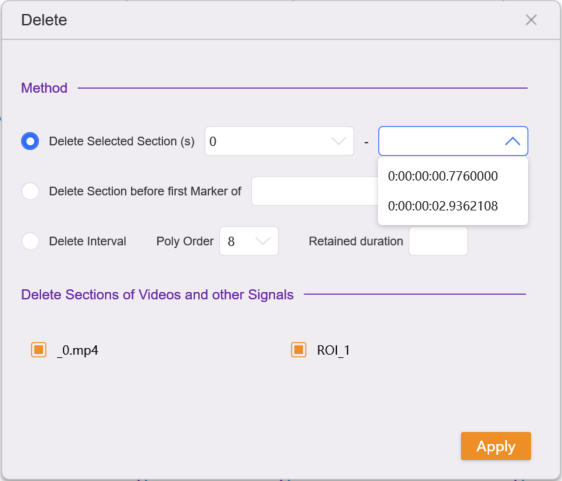
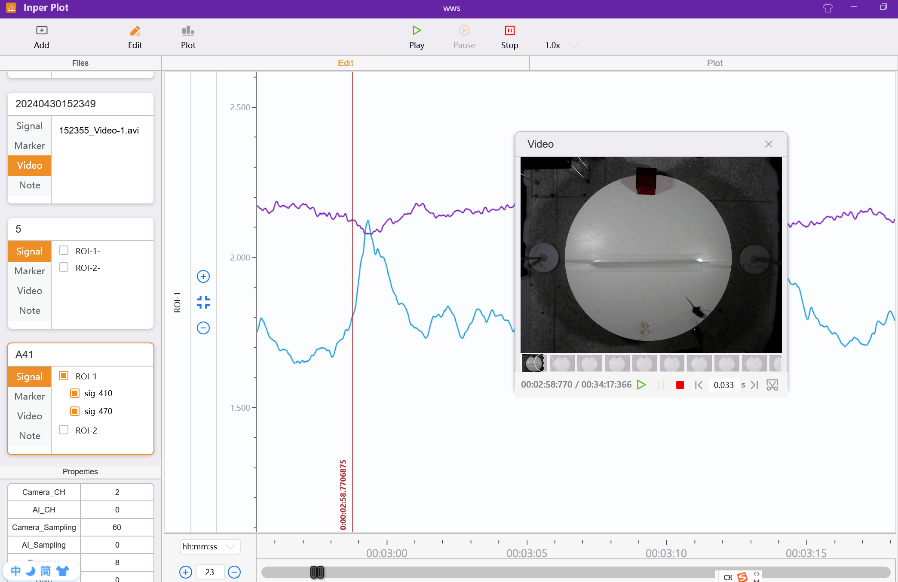
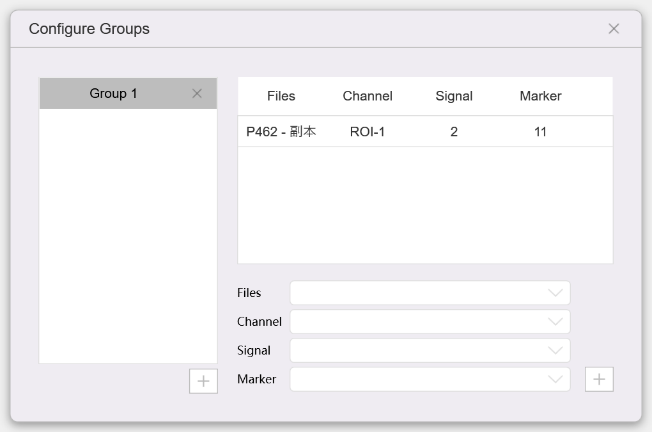
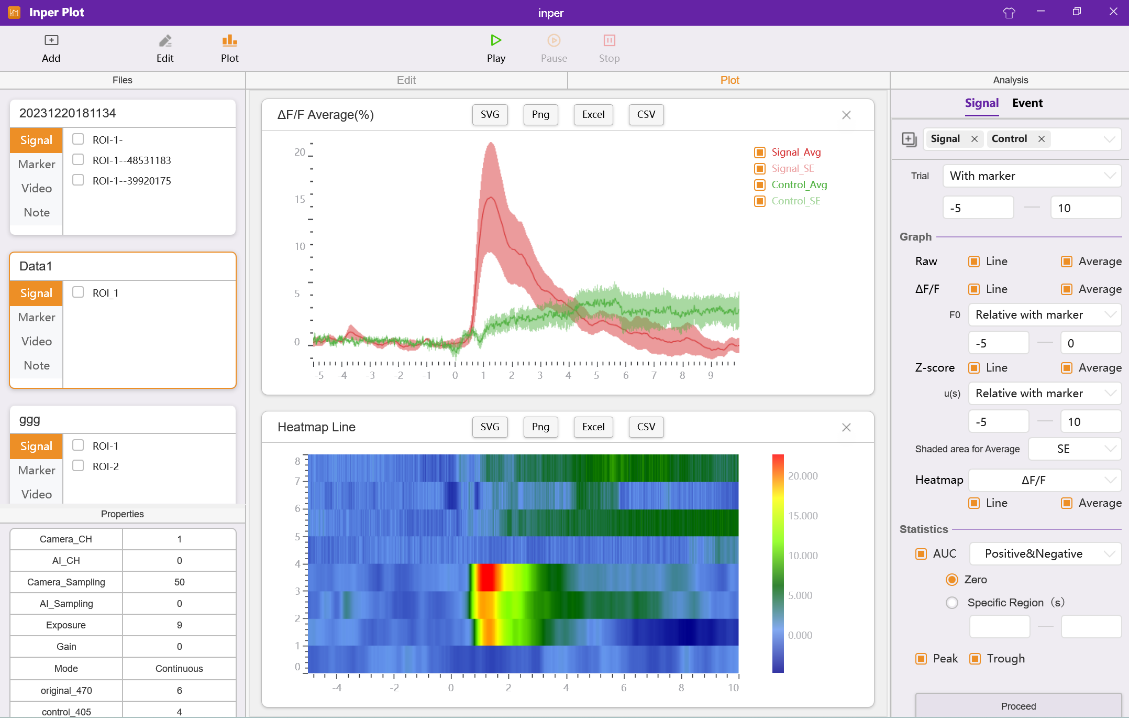
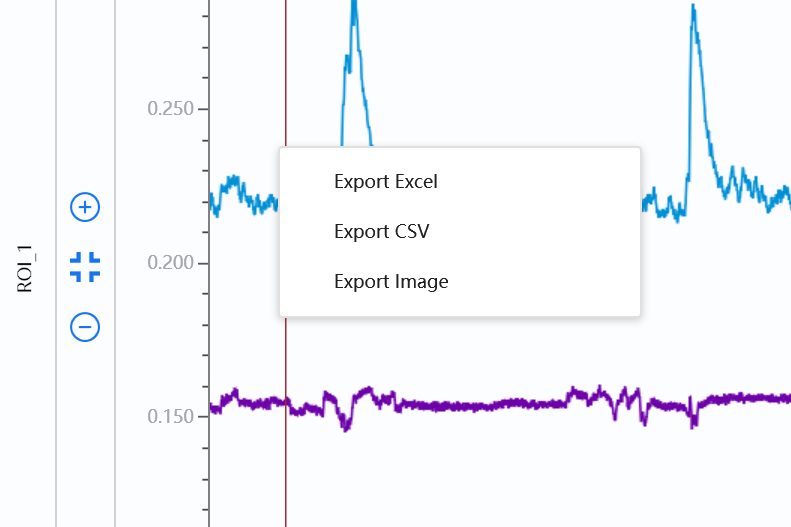
Work from project import and signal/event preprocessing through grouping, event alignment, statistics and export in one application. Export ΔF/F, Z-score, heatmaps and other results as SVG vector graphics, PNG images and data tables.

Inper Vista host front

Edit handles signals, events and video; Plot handles grouping, calculations and graphs. Projects retain processed results and group information for continued analysis. Create or open an .ipproj project, import Inper Signal data and accompanying video, and inspect acquisition parameters. Compatible external electrical data can also be imported. Edit project copies while retaining the original recordings; save new data and Group information with the project.

Accessories and consumables

From optical connections to system expansion

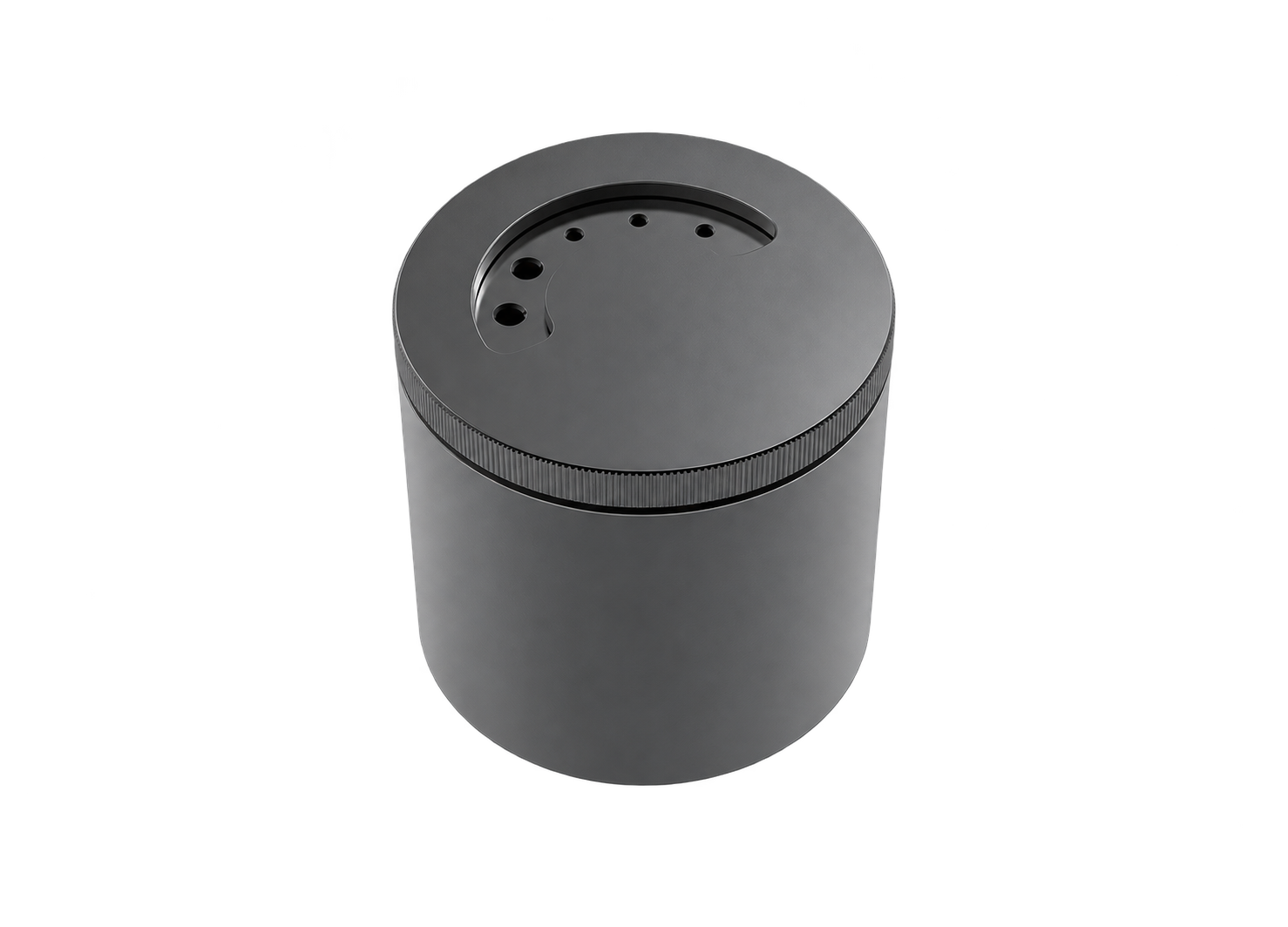
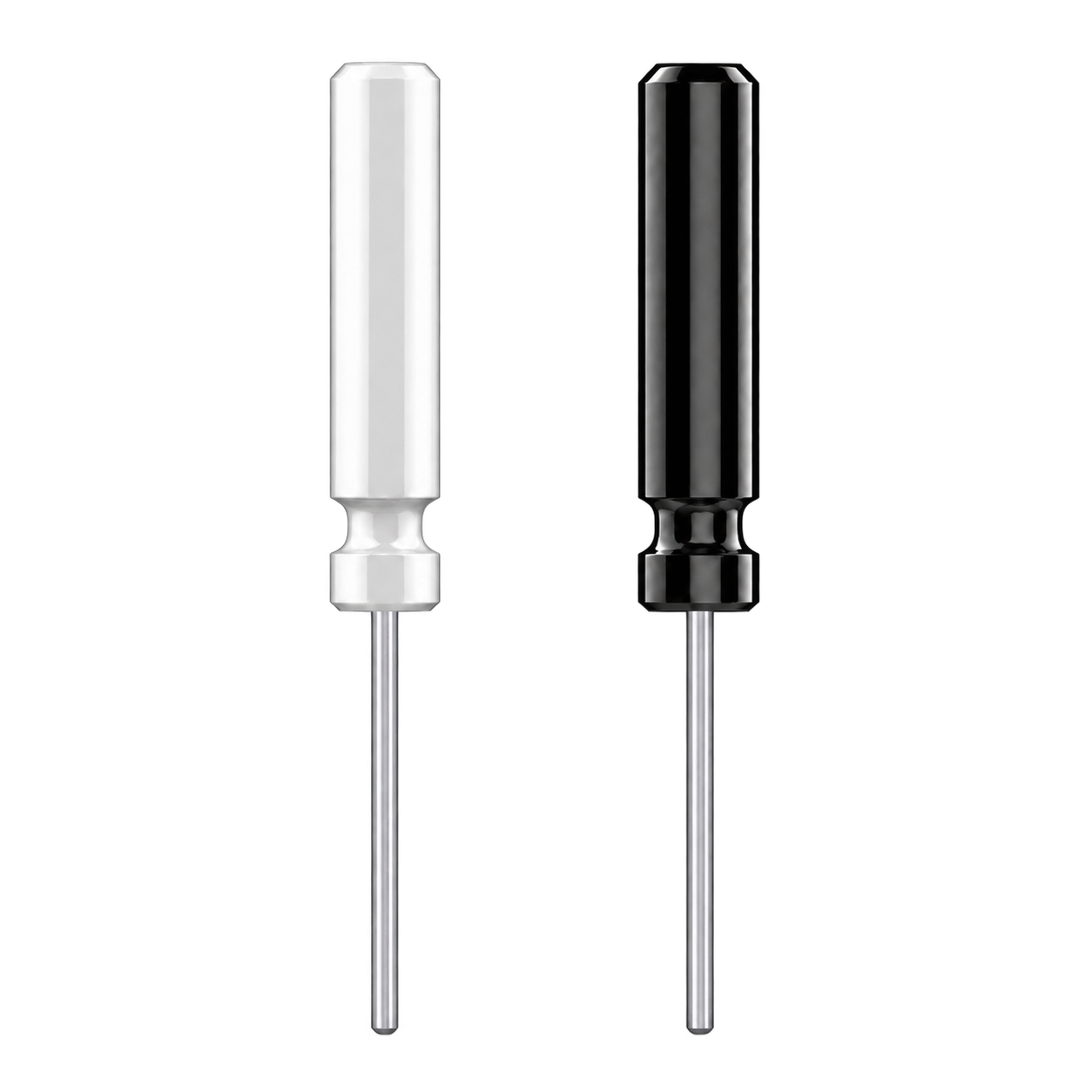
Choose a capsule to explore each accessory and its role in your experiment.

Latest Vista research

Choose a research filter to display articles.

Optics and acquisition

Detector

sCMOS camera

Excitation wavelengths

410, 470 and 561 nm; the four-colour Vista 410 adds 640 nm

Emission bands

503–538 nm (470 nm excitation); 582–619 nm (561 nm excitation); 670–710 nm on the four-colour model

Excitation power

1–100 μW, 1 μW precision

Frame rate

1–300 fps; 500 fps on the high-frame-rate Vista 320 P

Exposure time

1–100 ms

Gain

1–24×

Fiber channels

9 configurable, expandable on request; 4 on A models

Interfaces and control

Digital I/O

8 ports, each configurable as input or output

Analog inputs

ADC expansion box, 8 inputs, up to 30 kHz each

Optogenetics

Vista 120, 220, 320 and 320 P include a Compact 635 laser; excitation and stimulation light alternate

Control modes

Manual, delayed, scheduled, external trigger

Event output

TTL output on ΔF/F threshold crossings or zone events

Software

Acquisition software

Inper Signal: real-time processing and quality check, event marking, behavior sync, AI tracking, Config parameter files

Analysis software

Inper Plot: preprocessing and baseline, event and spike analysis, group statistics, synchronized video playback

Export

ΔF/F, Z-score, heatmaps and more as SVG vector graphics

Updates

Online (OTA) updates

Standard configuration

Applies to

Vista 110, 110 A, 120, 210, 210 A, 220, 310, 310 A, 320, 320 P

Unit

Fiber photometry unit ×1

Power meter

UT385 ×1

Fiber cannulas

A9644 ×20

Cannula holder

SCH-1.25 ×1

Patch cord

Low-autofluorescence single-channel patch cord 844A8 ×1

Sleeves

Black sleeves MS125 ×100

Software

Inper Signal and Inper Plot, one licence each (installed from USB drive)

Optogenetics models add

Compact 635 laser ×1

Computer (not included)

Memory

16 GB or more

Operating system

Windows 10

Ports

At least one USB 3.0

Processor

Intel Core i7 or better recommended

Graphics

Dedicated graphics card